Lists in five places
Group chats, a shared spreadsheet and a printed sheet that never matches what happens at the door.
Fraternity and sorority events
Many chapter risk management policies ask for a guest list at the door. Shadeslist gives your social and risk chairs one list for sign-up, approval and check-in – with timestamps you can export before the data is deleted.
01Sound familiar?
Group chats, a shared spreadsheet and a printed sheet that never matches what happens at the door.
When someone asks who was there, a crumpled printout is all you have.
The venue has a limit, but nobody knows how many people have actually been confirmed.
02With Shadeslist
03How it works
Date, venue capacity and codes for members and invited guests.
Guests sign up with a name and, optionally, an email. Open sign-ups wait for approval.
Send door access links to the members on door duty. Open them once with signal and the list works offline.
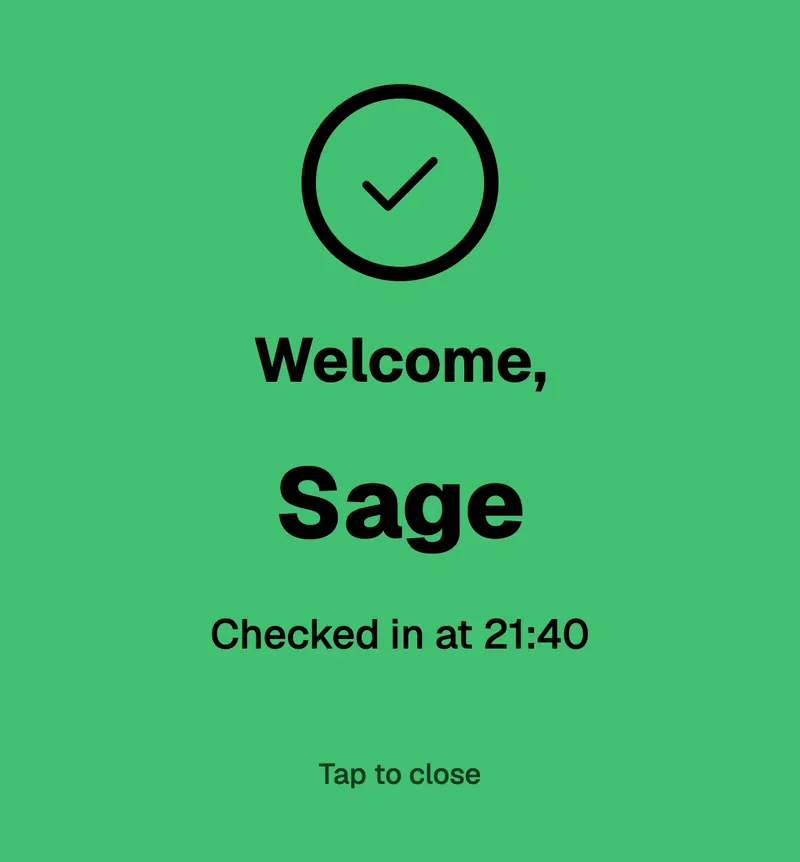
After the event, download the CSV with check-in times for your records.
04Questions
No. Your door team still checks IDs. Shadeslist tells them who is on the list and records who checked in and when.
No tool can do that for you. Shadeslist gives you an accurate guest list and a time-stamped check-in record, which you can export and keep according to your own policies.
Guest data is deleted automatically 30 days after the event. Export the CSV before then if you need to keep a record.
Monthly, in euros. Your card provider converts the amount to dollars. You can cancel at any time, for example over the summer.
05More occasions
For agencies and planners whose clients care about privacy more than price.
Recurring evenings, a curated room and members who expect a smooth door.
Socials and balls without the spreadsheet chaos – and easy to hand over to next year’s committee.
Invitation
Set up your first event in two minutes. The first 3 months are free – with up to 3 events and 150 guests each, no credit card needed.